Download a clip that's ready to post
EDIT A CLIP FROM FIRST CUT TO DOWNLOAD · PART 2 OF 8 · UPDATED 17 OCTOBER 2026
Save your edit and download a 1080p file you can post.
The Editor works on a laptop or desktop.
Steps
-
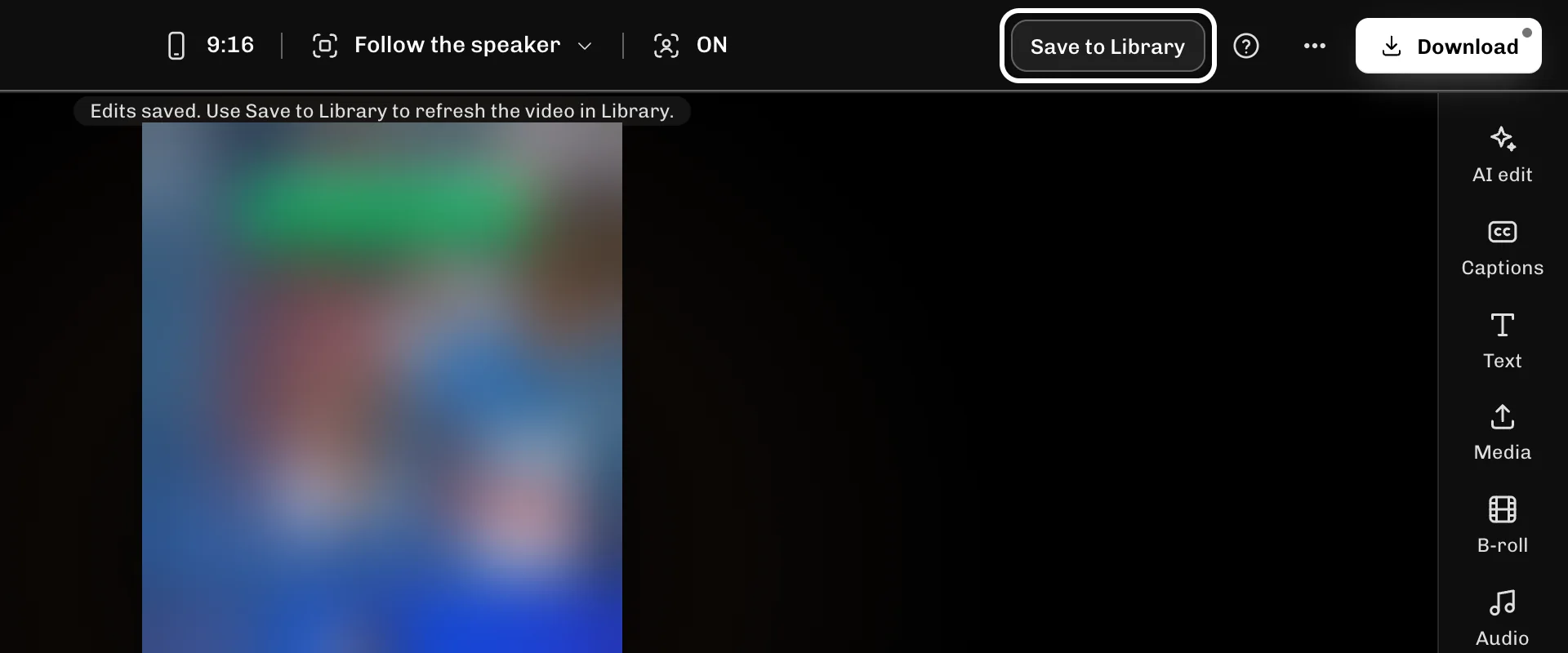
Press Save to Library to update the clip in Library with your edit.
-
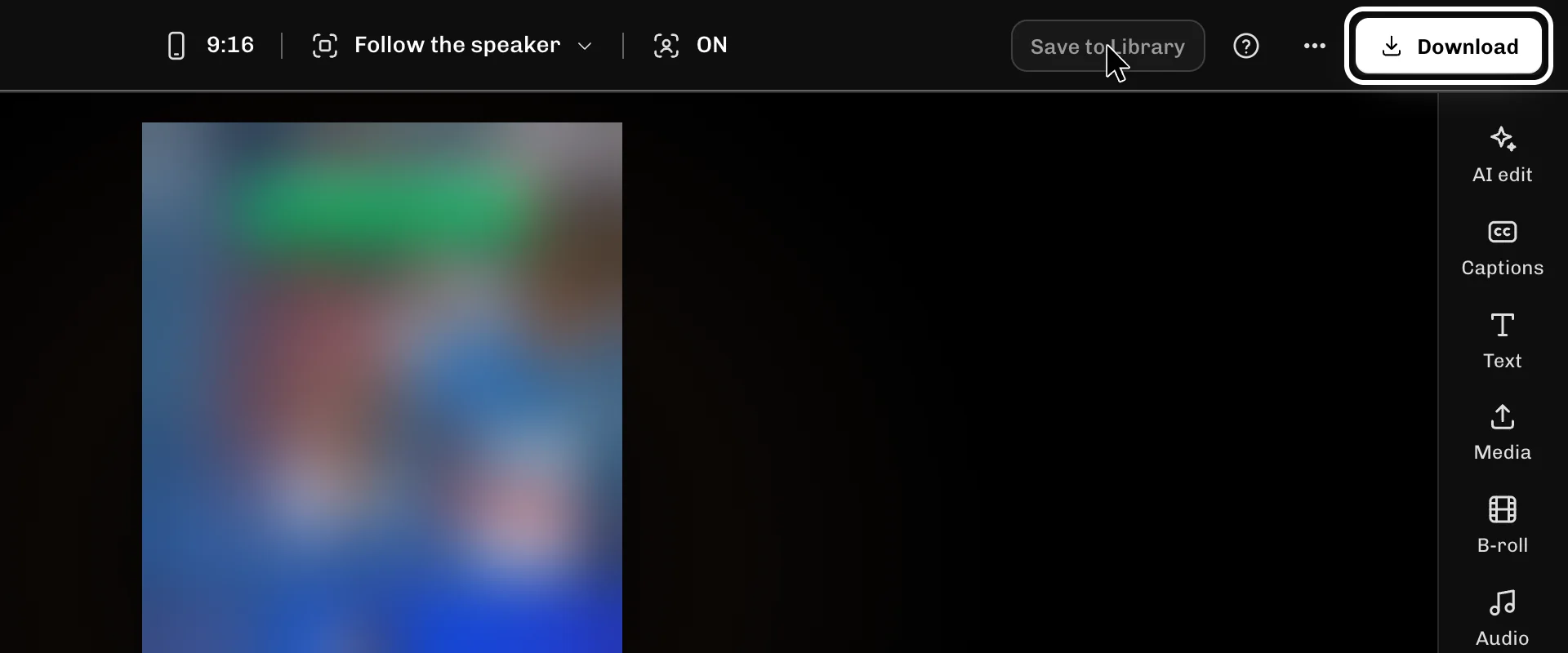
Select Download to open the download box.
-
Select Prepare download to make the 1080p file.

-
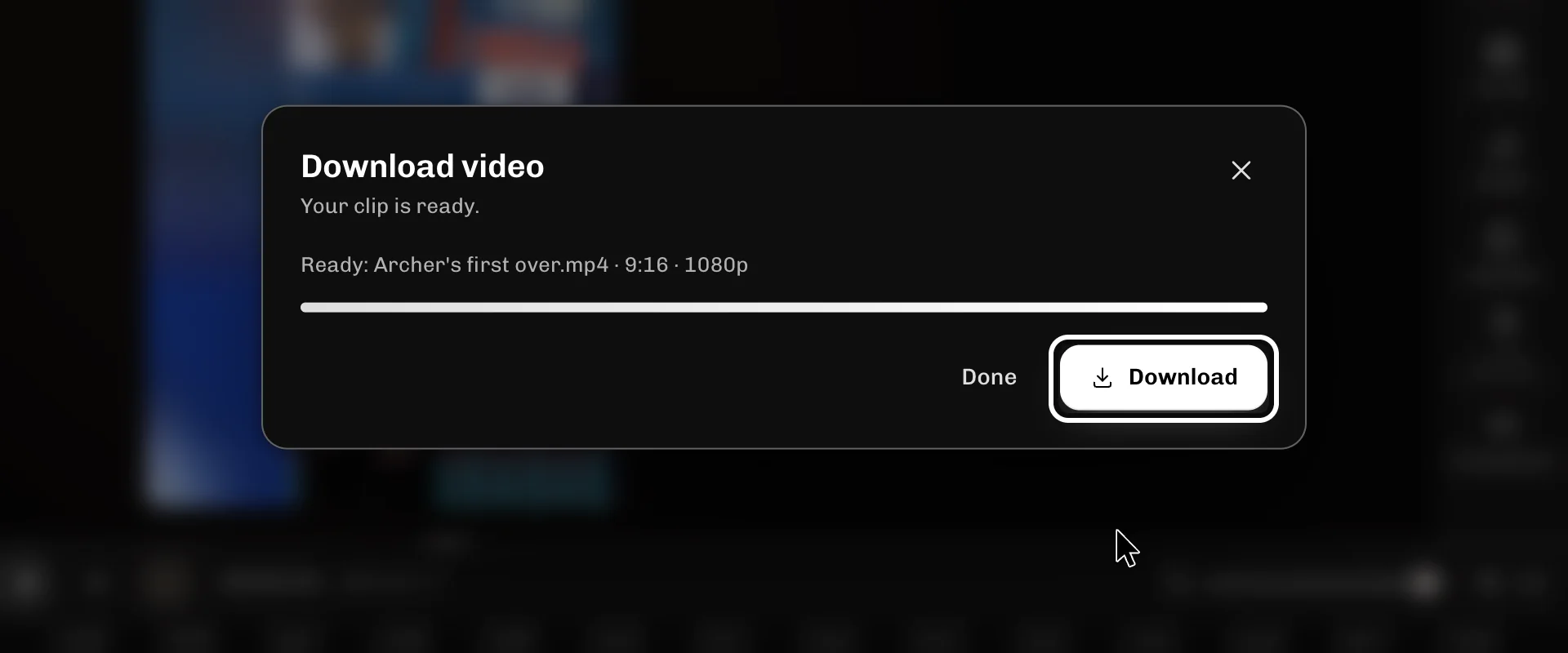
Once the box says Ready, select Download to save the file.
If something goes wrong
- If Save to Library is greyed out, there is nothing new to save: the clip in Library already has your edit.
- Closed the Editor before saving? Open the Editor page, find your clip under Unfinished edits and select Resume.
More guides
- Next: Start your clip on its best moment
- Cut out the part you don't want
- Fix wrong words in your captions
- Change how your captions look
- Keep your speaker in frame
- Add B-roll or a picture over your clip
- Add music and keep your voice clear
- All guides
Try it in ReelFyre
ReelFyre is in a private, invite-only test. Request an invitation to try these steps yourself, or read how pricing and access work.
ReelFyre uses YouTube API Services. By using ReelFyre, you agree to be bound by the YouTube Terms of Service. The Google Privacy Policy applies alongside ours.
SandMatter LLP · hello@sandmatter.com