Connect your YouTube and Instagram accounts
SETTINGS · UPDATED 17 OCTOBER 2026
Link the accounts your clips post to.
Steps
-
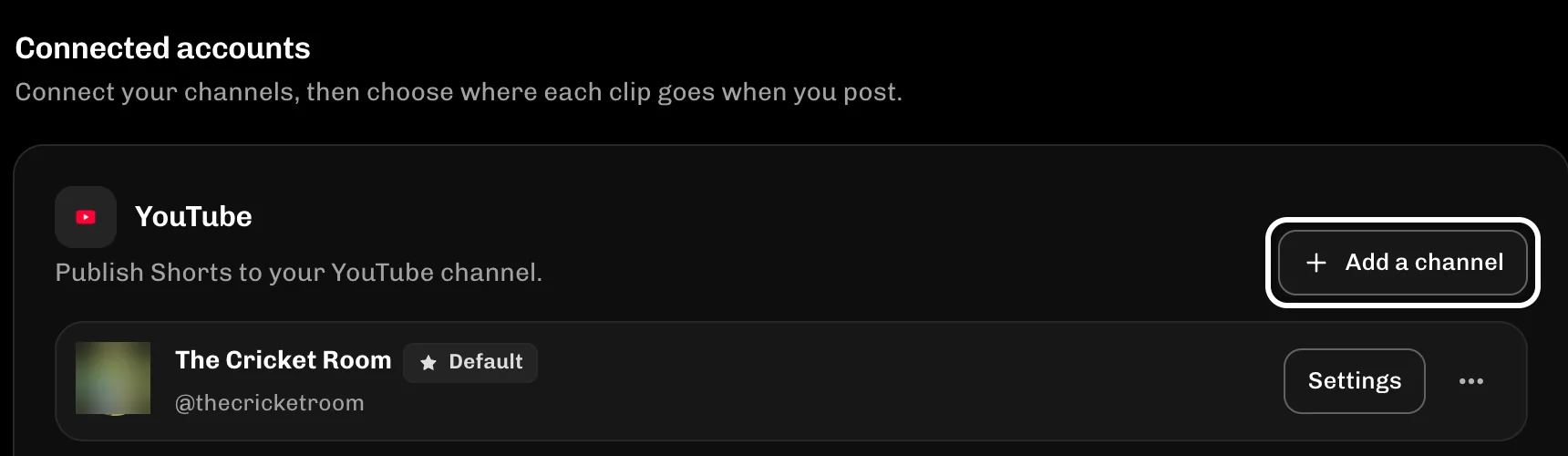
In Connected accounts, select Add a channel to link a YouTube channel.
-
Select Reconnect next to a channel that needs a new sign-in.

-
Select Connect Instagram to link a Business or Creator account.

If something goes wrong
- A new account sees Connect a channel where this shows Add a channel.
- On Google's screen, pick the row named after your channel, not your Google account.
- If Connect Instagram is greyed out, Instagram posting is not switched on yet.
More guides
Try it in ReelFyre
ReelFyre is in a private, invite-only test. Request an invitation to try these steps yourself, or read how pricing and access work.
ReelFyre uses YouTube API Services. By using ReelFyre, you agree to be bound by the YouTube Terms of Service. The Google Privacy Policy applies alongside ours.
SandMatter LLP · hello@reelfyre.com