Choose the language of your captions
SETTINGS · UPDATED 17 OCTOBER 2026
Set the language your videos are in, so captions come out right.
Steps
-
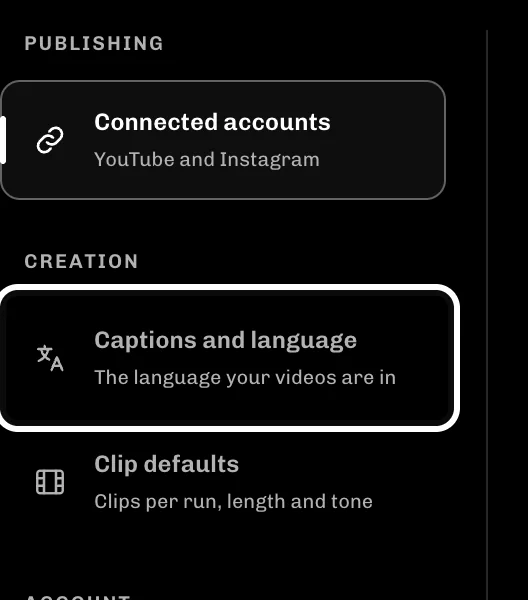
In Settings, select Captions and language.
-
Choose the language your videos are in from Spoken language.

-
Check that Spoken language now shows your language.

If something goes wrong
- Pick a language if captions come out in the wrong one, for example when people mix Hindi and English.
- Detect automatically works for most videos, so leave it on if you are not sure.
- Add names that captions often get wrong in Brand kit, so they are spelled right first time.
More guides
Try it in ReelFyre
ReelFyre is in a private, invite-only test. Request an invitation to try these steps yourself, or read how pricing and access work.
ReelFyre uses YouTube API Services. By using ReelFyre, you agree to be bound by the YouTube Terms of Service. The Google Privacy Policy applies alongside ours.
SandMatter LLP · hello@sandmatter.com