Video me caption kaise lagaye
GUIDE IN HINGLISH · UPDATED 19 OCTOBER 2026
In English: upload your video to ReelFyre, keep Captions on and pick a caption style, press Generate, then open a clip in the Editor to change the style or fix a wrong word, and download it. ReelFyre is in a private, invite-only test: you can request an invitation at the end of this page.
ReelFyre aapke video ke har shabd ke hisaab se timed captions banata hai. Aap caption ka style aur bhasha chun sakte hain, galat shabd theek kar sakte hain aur reel download kar sakte hain.
Caption lagane ke steps
-
Home par Upload a file dabayein aur apna MP4 ya MOV video chunein. Video Google Drive ya Dropbox se bhi la sakte hain.
-
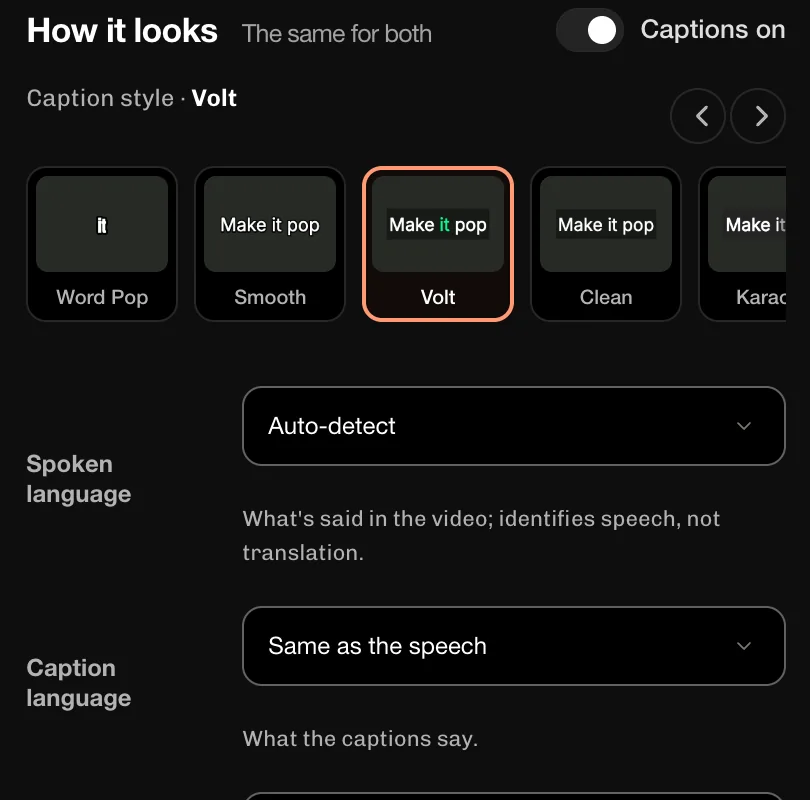
How it looks me Captions on switch on rakhein, phir caption style chunein (jaise Volt, Smooth ya Clean). Captions kis bhasha me chahiye, ye Caption language me chunein: Same as the speech, English ya Hinglish (Hindi in English letters).
-
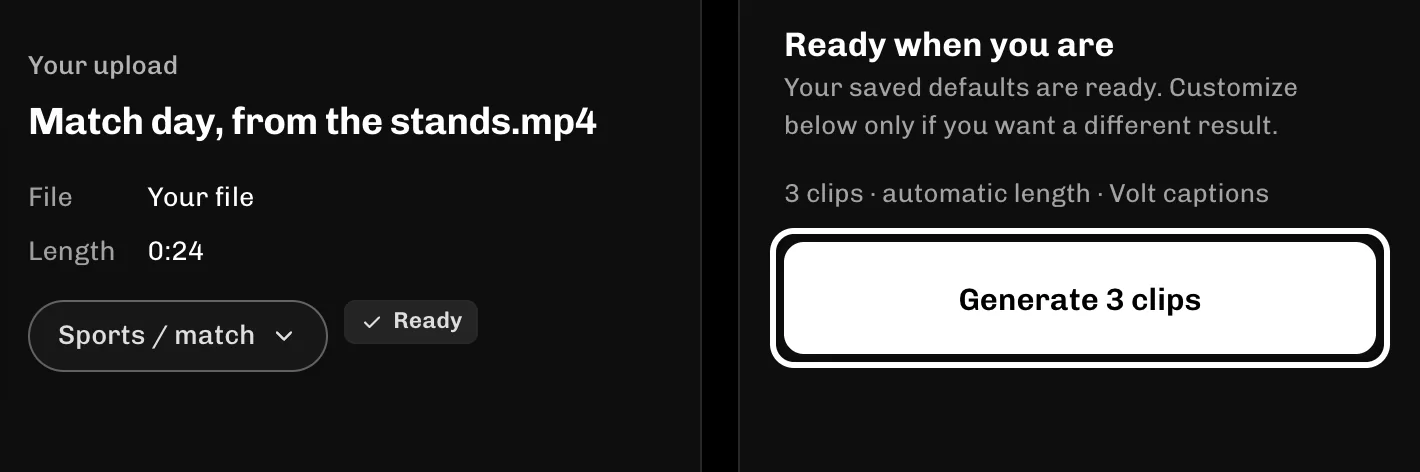
Generate dabayein. ReelFyre video se best moments dhoondh kar clips banata hai.
-
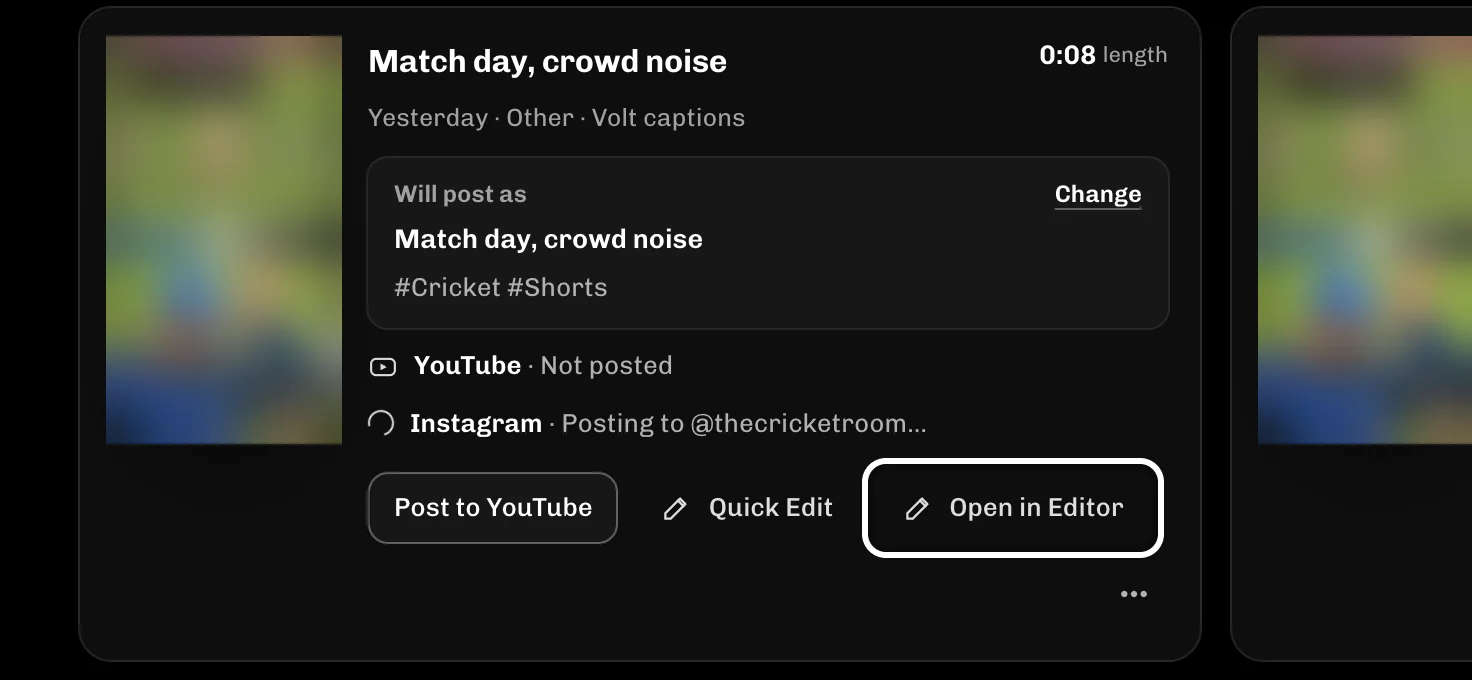
Clips ready hone par Library me Drafts ke neeche dikhte hain. Jis clip ke captions badalne hain, us par Open in Editor dabayein.
-
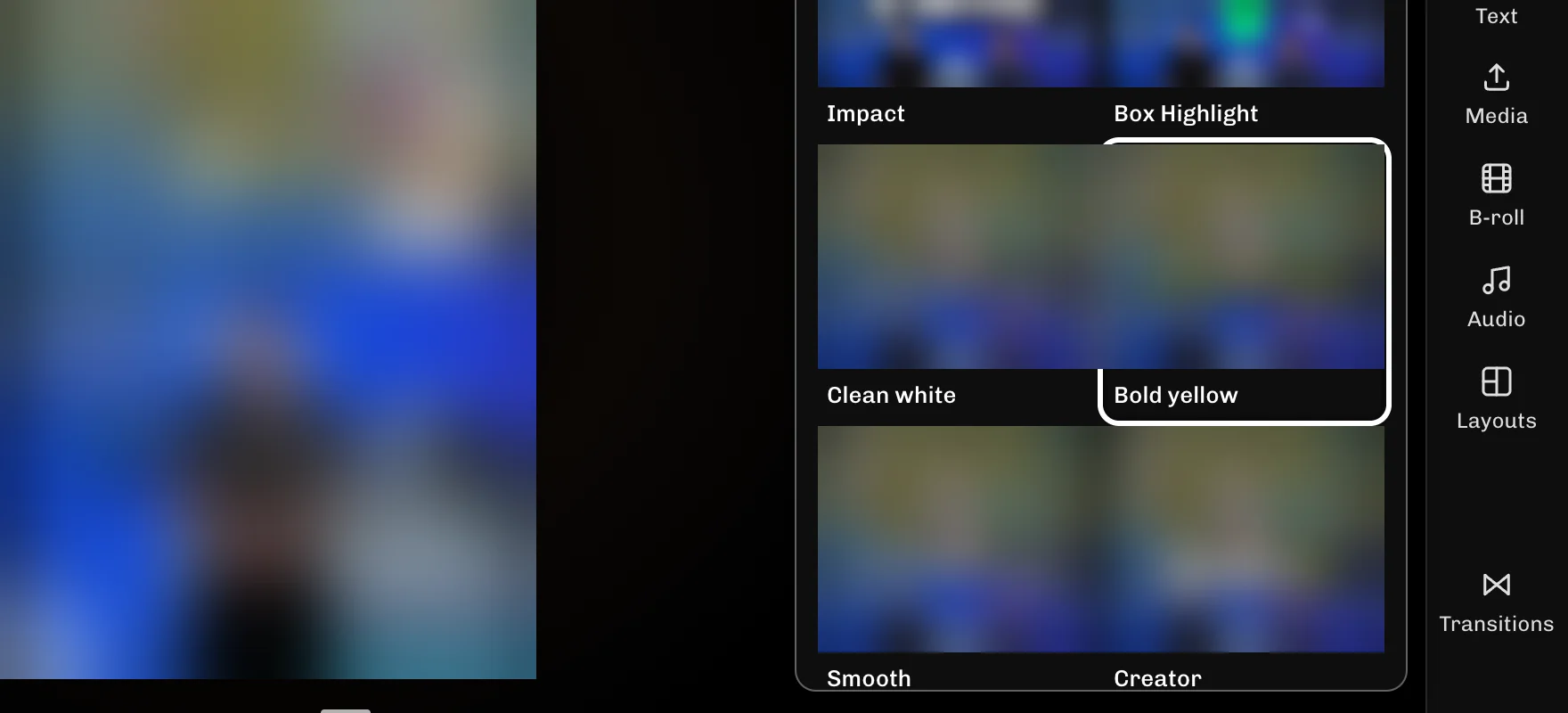
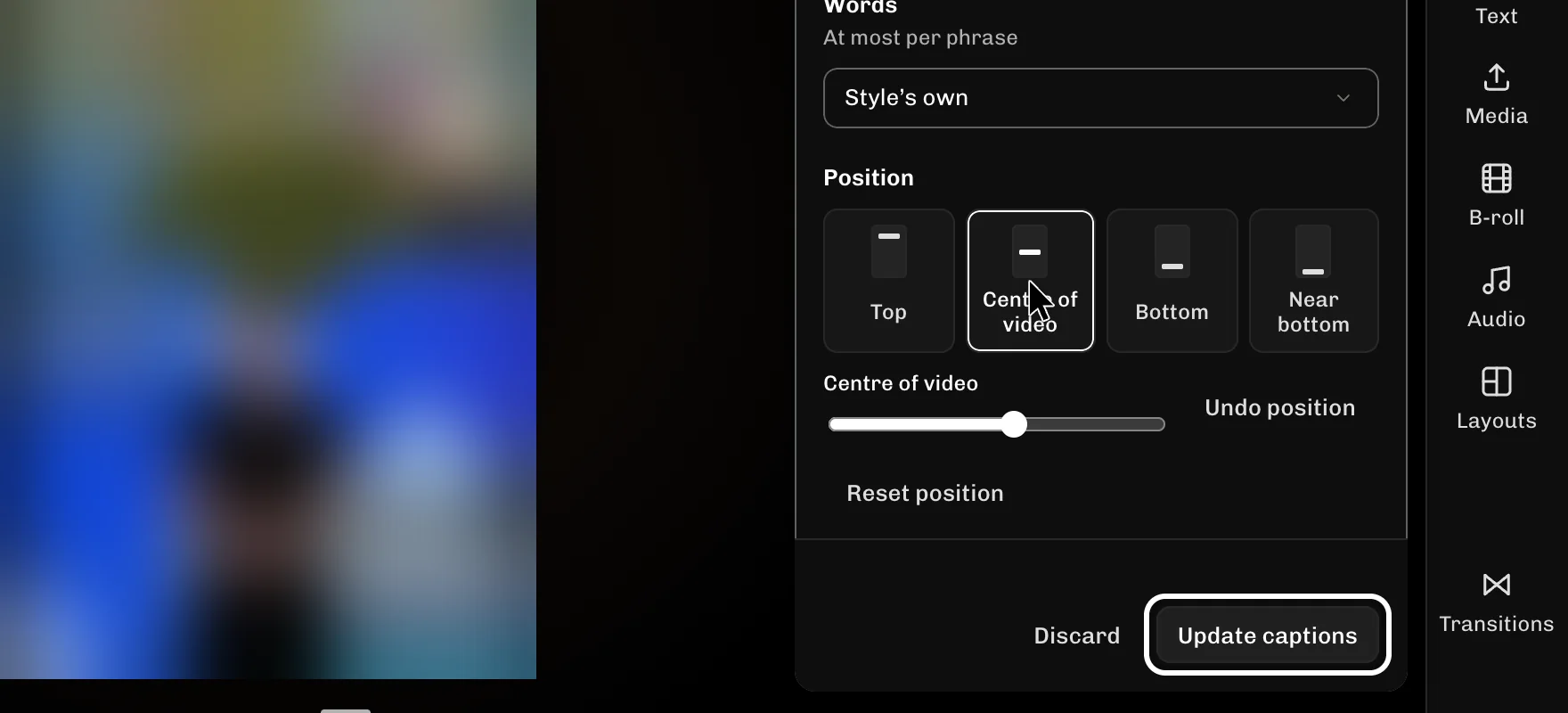
Editor me Captions kholkar style chunein (jaise Bold yellow), phir size aur position set karein aur Update captions dabayein. Editor laptop ya desktop par chalta hai.
-
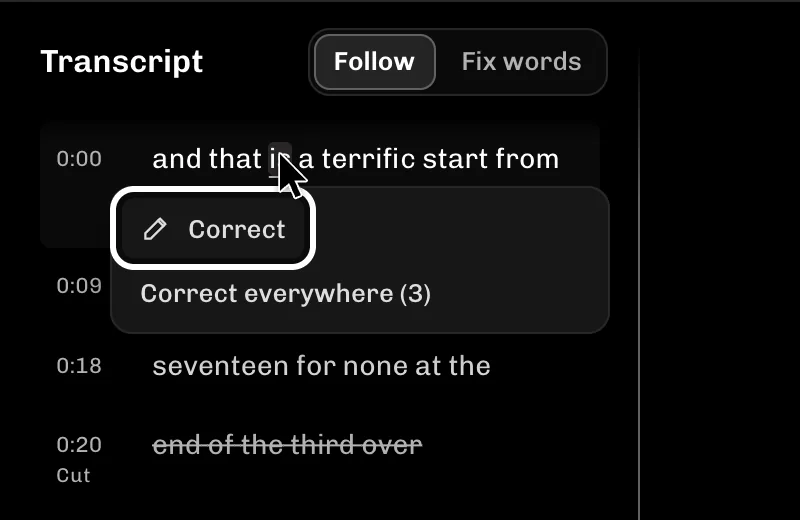
Galat shabd theek karne ke liye Transcript kholein, galat shabd par click karein aur Correct dabayein. Wahi shabd kai jagah ho to Correct everywhere se sab ek saath badal jaate hain. Aapke fixes clip me tab jaate hain jab aap Save to Library dabate hain ya clip download karte hain.
-
Save to Library dabayein, phir Download aur Prepare download. File ready hone par Download se save kar lein. Captions video ke andar hi jude hote hain.

Kuch ulta ho to
- Update captions nahi dikh raha? Pehle style, size ya position me koi ek badlav karein; ye pehle badlav ke baad dikhne lagta hai.
- Badlav wapas lene ke liye Discard dabayein: clip ke abhi ke captions wapas aa jaate hain.
- Correct everywhere tabhi dikhta hai jab wahi shabd ek se zyada baar aaya ho. Ek hi baar aaya ho to Correct use karein.
Ye bhi dekhein
- Hinglish subtitles kaise banaye
- Long video ko short kaise banaye
- Change how your captions look (English guide)
- Fix wrong words in your captions (English guide)
- Captions in 18 spoken languages
- Captions behind the subject
- All ReelFyre guides
Try it
ReelFyre abhi private, invite-only test me hai. Ye steps khud try karne ke liye invitation ke liye request karein.
ReelFyre uses YouTube API Services. By using ReelFyre, you agree to be bound by the YouTube Terms of Service. The Google Privacy Policy applies alongside ours.