Choose what clips you get
GET STARTED · UPDATED 17 OCTOBER 2026
Set how many clips you get, how long they are and what they focus on.
Steps
-
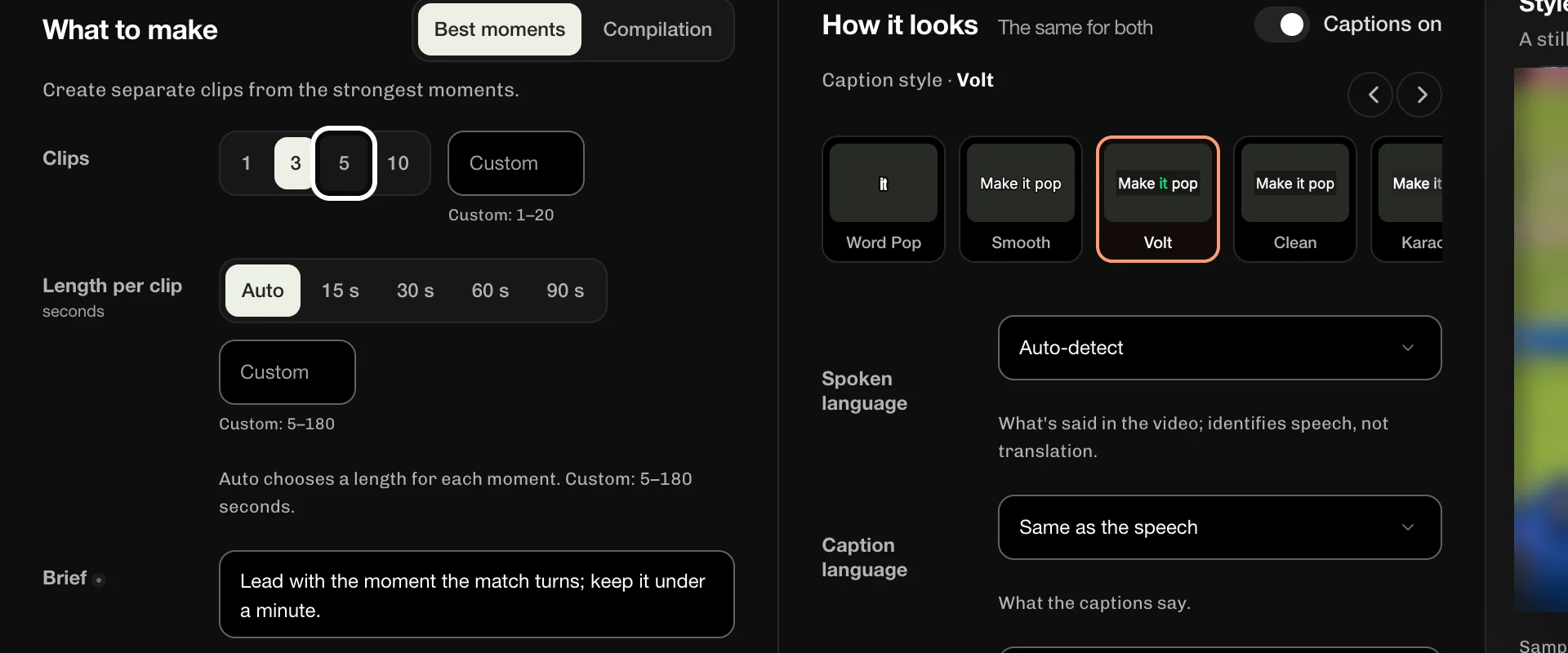
In the Clips row, select 5 to get five clips from your video.
-
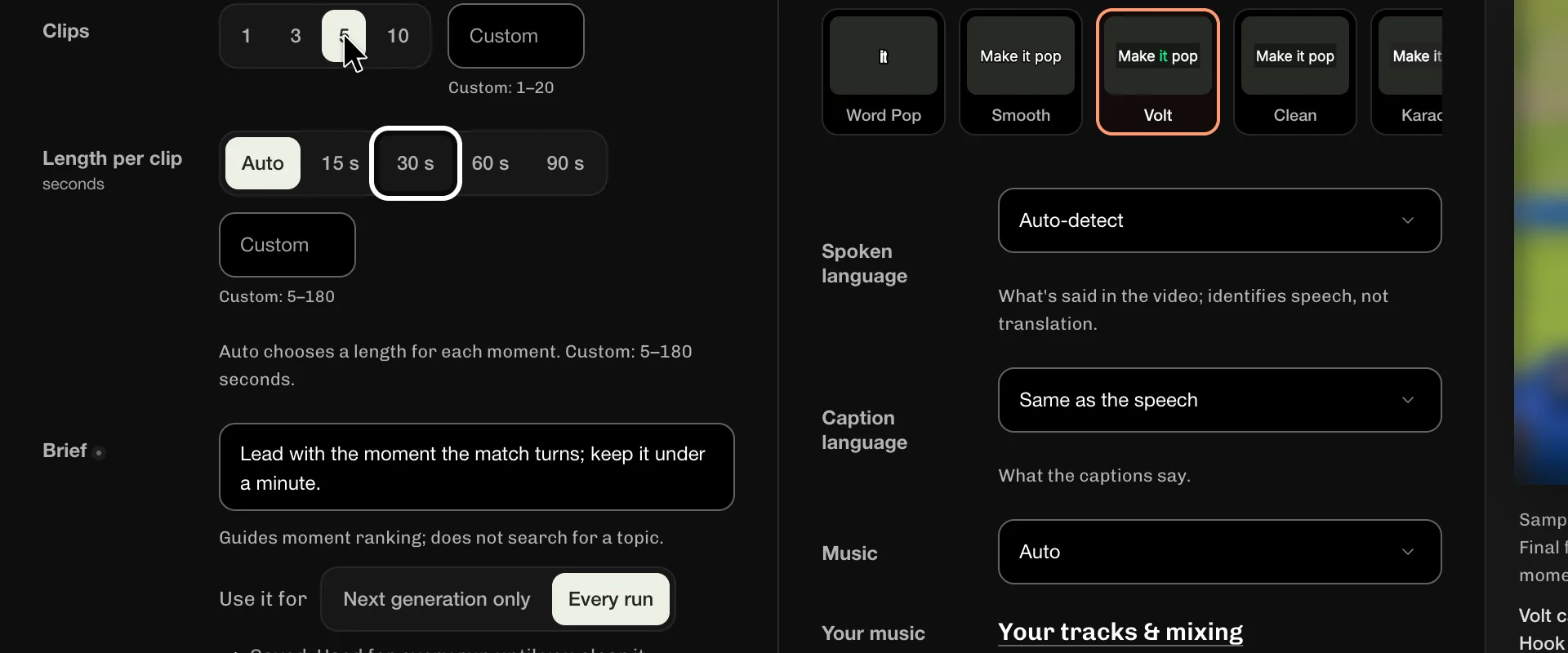
In the Length per clip row, select 30 s to make each clip about half a minute.
-
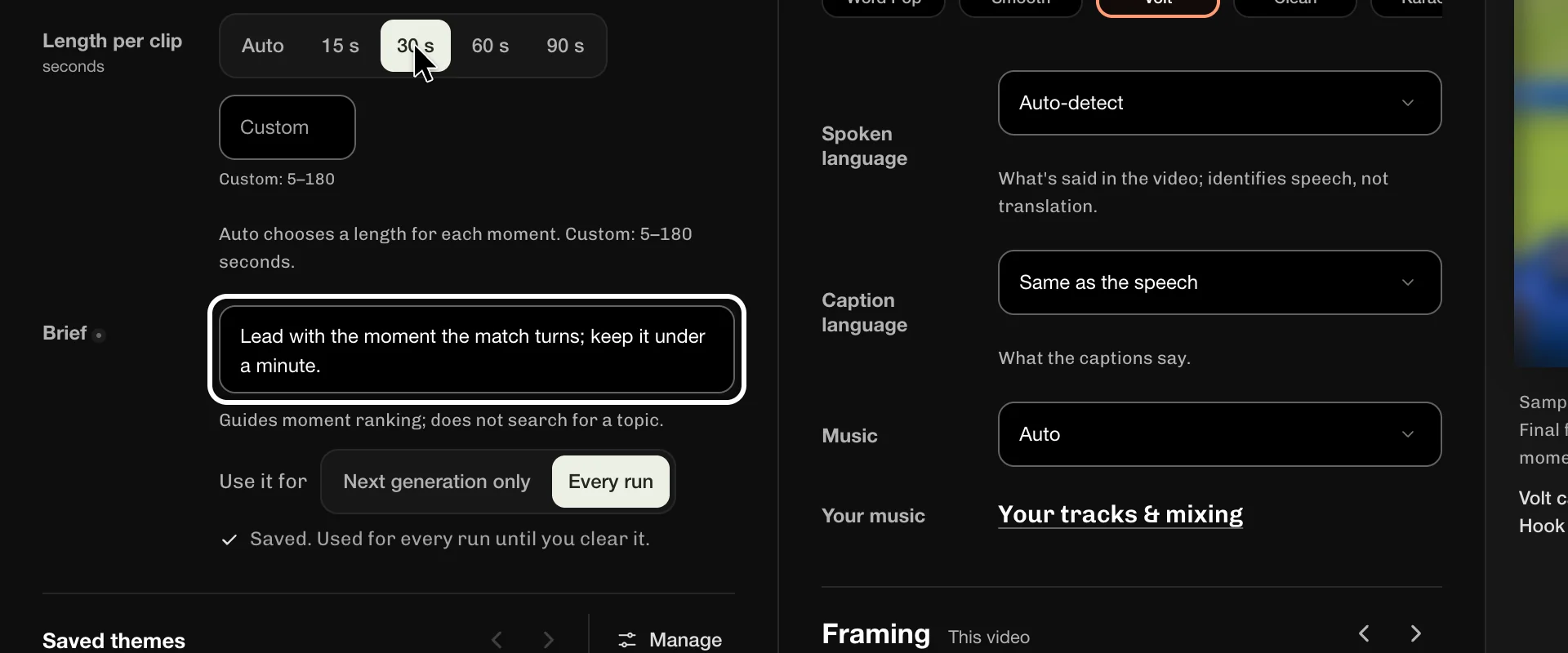
In Clip brief, optional, enter what the clips should focus on.
-
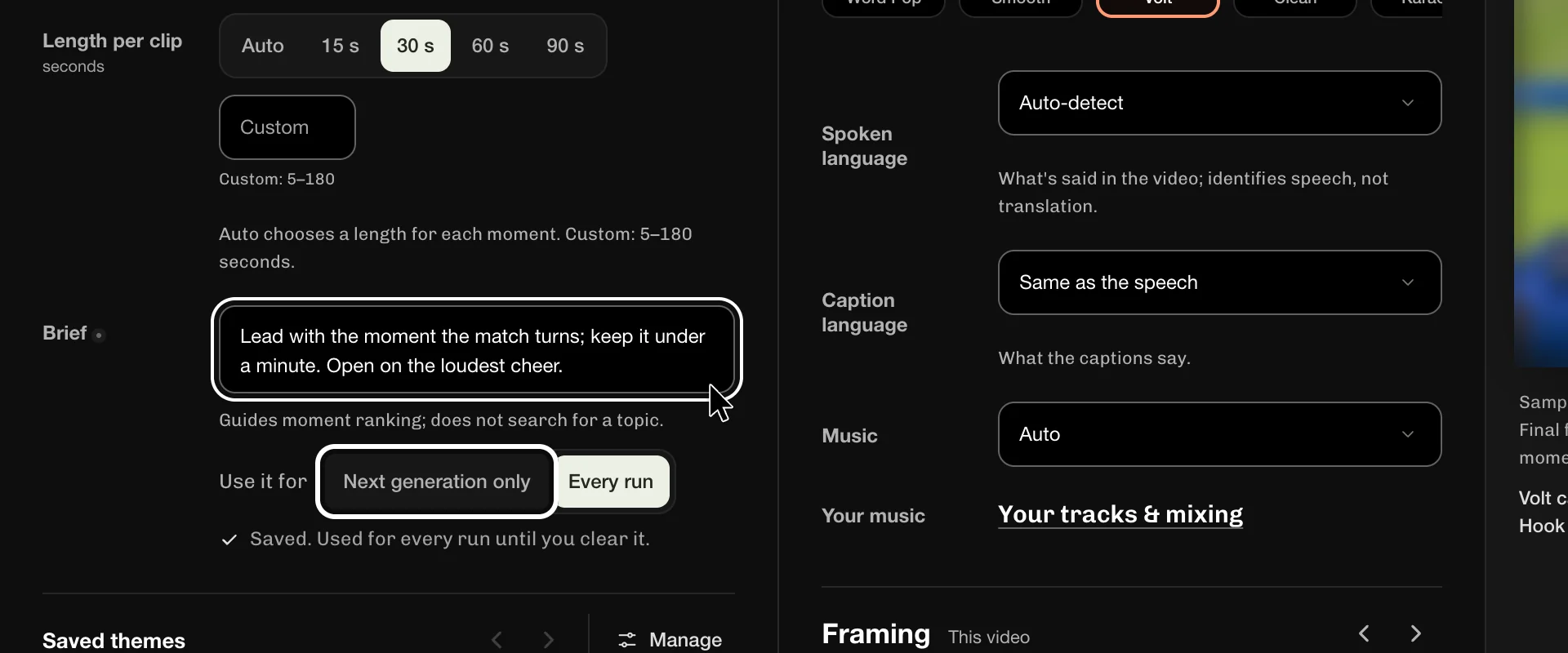
Select Next generation only to use the brief for this run alone.
If something goes wrong
- Select Auto to let ReelFyre choose a length for each moment. A custom length is 5 to 180 seconds.
- Select Every run to keep the brief for all your next videos.
- The brief guides which moments rank first. It does not search for a topic.
More guides
Try it in ReelFyre
ReelFyre is in a private, invite-only test. Request an invitation to try these steps yourself, or read how pricing and access work.
ReelFyre uses YouTube API Services. By using ReelFyre, you agree to be bound by the YouTube Terms of Service. The Google Privacy Policy applies alongside ours.
SandMatter LLP · hello@sandmatter.com