Add your own music, pictures and logos
MEDIA ASSETS · UPDATED 17 OCTOBER 2026
Keep your files in one place to use in any clip.
Steps
-
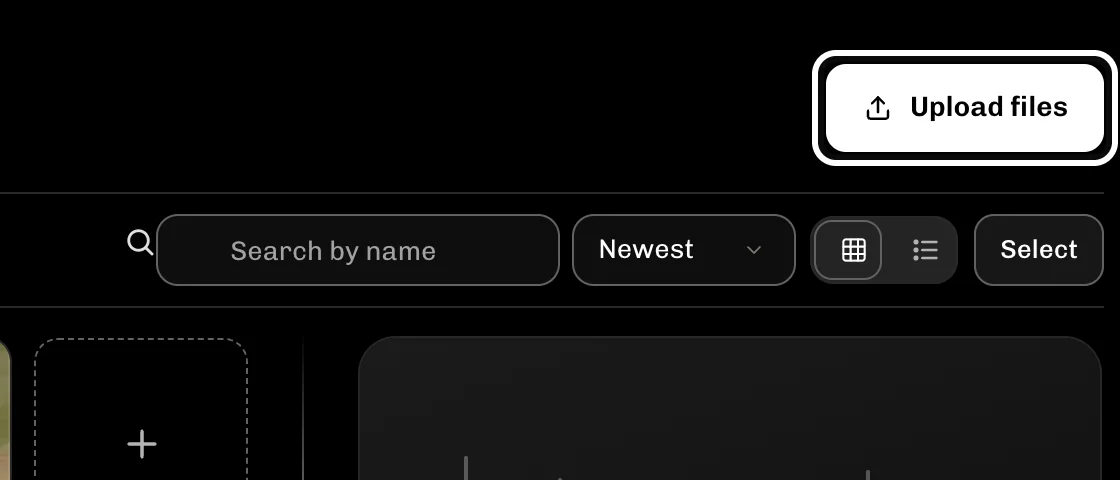
Select Upload files to add music, pictures, fonts or footage.
-
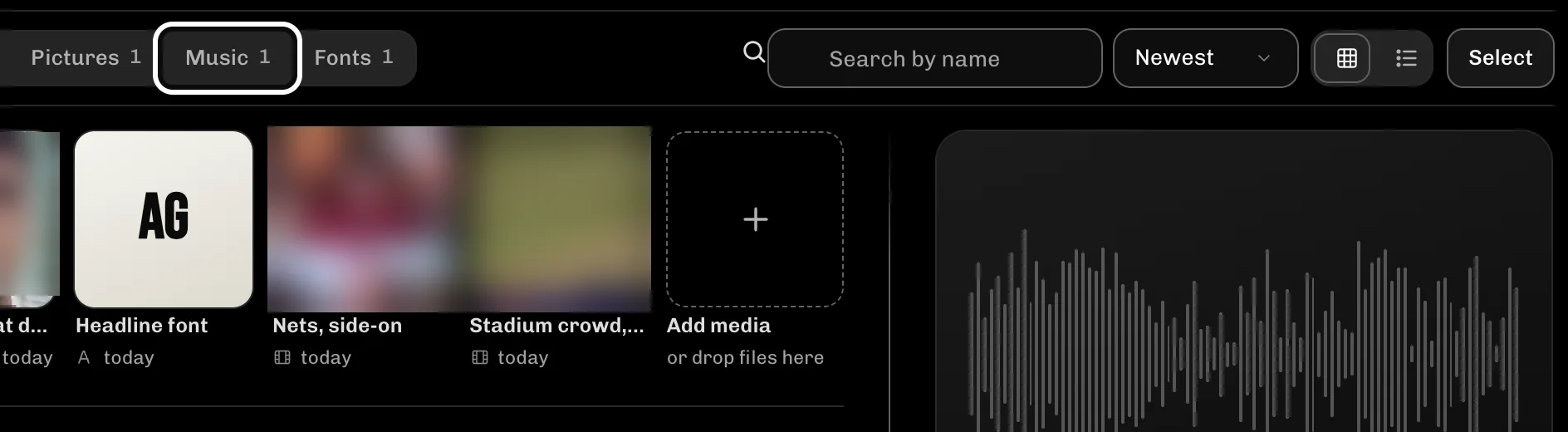
Select Music to see the tracks you added.
-
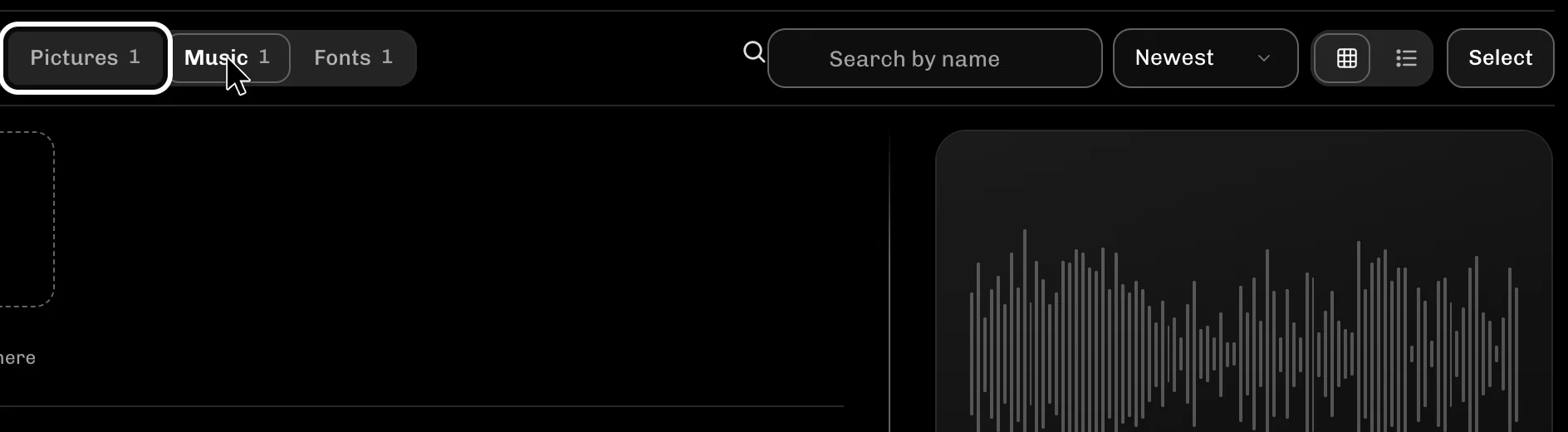
Select Pictures to see your pictures and logos.
-
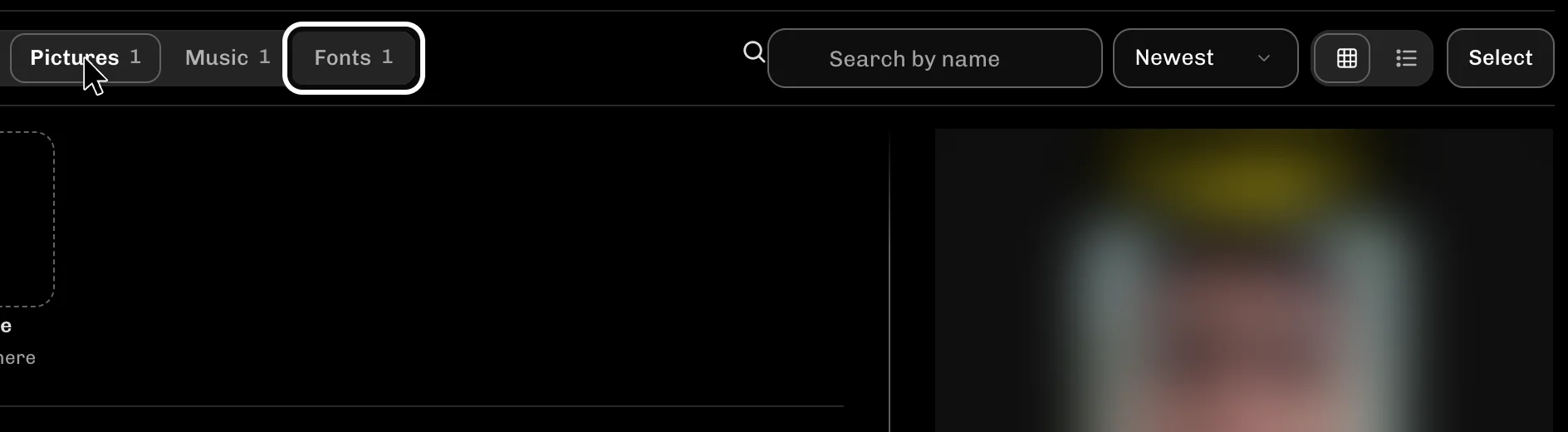
Select Fonts to see the fonts you can use on titles.
If something goes wrong
- If a file is refused, select Limits under the list to see the sizes that work.
- Select Everything to see all your files again.
More guides
Try it in ReelFyre
ReelFyre is in a private, invite-only test. Request an invitation to try these steps yourself, or read how pricing and access work.
ReelFyre uses YouTube API Services. By using ReelFyre, you agree to be bound by the YouTube Terms of Service. The Google Privacy Policy applies alongside ours.
SandMatter LLP · hello@sandmatter.com