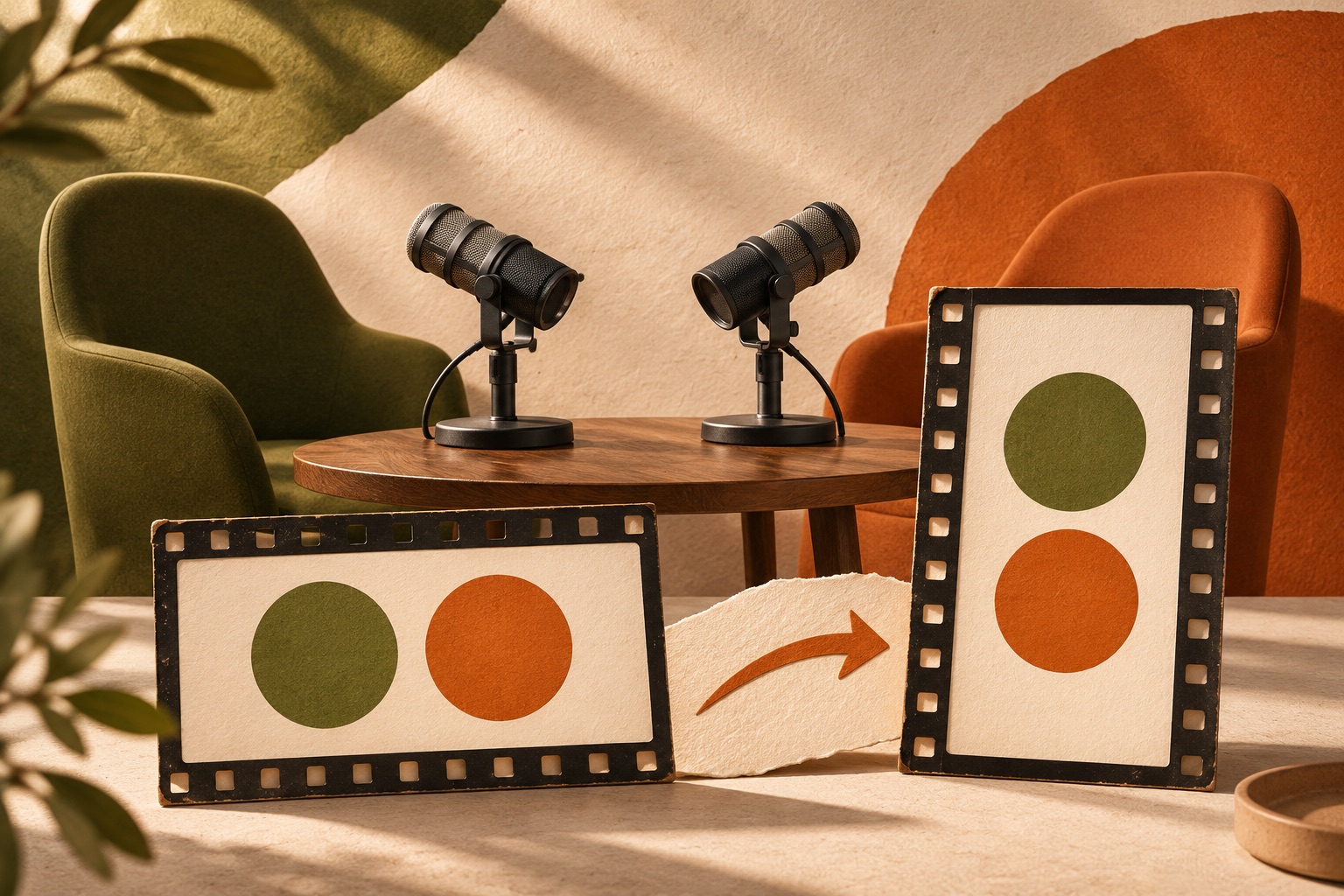
To crop a two-person interview for vertical video, choose the layout according to what the viewer needs to see at each moment. A close-up can suit an extended answer. A shared or stacked view can preserve a meaningful exchange. Keeping the full wide picture can be better when gestures, objects or both people carry the explanation.
The right crop preserves the conversation as well as the faces. This guide uses illustrative compositions and a fictional interview, not measured face-tracking results. Real app recording excerpts, where shown, demonstrate controls only; they do not establish how those controls will behave on your footage.

Decide what the moment needs to show
Review the source once before choosing a layout. Mark who is speaking, whether the other person’s reaction matters, and whether an object or gesture carries information. A crop that follows a face can still fail if the explanation depends on a hand outside the frame.
In a constructed interview, a host sits on the left and a guest on the right. The guest explains a recording setup, points to a microphone between them, then exchanges a short joke with the host. Those are three different visual needs inside one conversation:
| Moment | What must remain visible | Layout to evaluate |
|---|---|---|
| Guest gives a sustained answer | Guest’s face and relevant gestures | Speaker close-up |
| Guest points to the microphone | Guest, pointing hand and microphone | Full picture or a wider composition |
| Host and guest exchange reactions | Both expressions and their timing | Shared or stacked view |
Choose the passage first using the standalone clip guide. Then use framing to present it. A visually convenient crop is not a reason to remove context the dialogue needs.
Understand how much a vertical crop removes
A wide 16:9 frame and a tall 9:16 frame have very different shapes. If a 1920 × 1080 source is cropped to 9:16 while keeping its full height, the crop is about 608 pixels wide: 1080 × 9 ÷ 16. That is about one third of the source width.
This is a geometry example, not a description of ReelFyre’s export resolution. It explains why two people seated far apart may not fit in a single full-height vertical crop. Enlarging the result cannot recover someone who was outside the selected area.
Before committing to a close-up, check the start, the largest movement, the speaker change and the end. These are useful checkpoints; also watch the complete passage because an important gesture can occur between them.
Compare three layout approaches
Follow one speaker
A speaker close-up gives the active person more space. It can work for a continuous answer when the listener’s expression does not change the meaning. In a difficult moment, watch for a face reaching the edge, a hand being cut off, or the frame shifting to the wrong person.
An automatic selection needs review when people overlap, look away, cross the frame or speak over each other. Do not assume that a successful first frame establishes correct tracking for the whole clip.
Keep both people in a stacked view
A top-and-bottom composition can keep both participants visible inside a vertical canvas. It is useful when the exchange itself matters, such as a question followed by a reaction that the answer refers to.
The tradeoff is that each person gets less space. Check whether the crop leaves useful headroom, preserves gestures and keeps the two panels understandable. Watch for a panel that remains on an empty chair after someone leans out of view.
Preserve the full picture
Keeping the wide image inside a vertical canvas preserves spatial relationships. Bars or a blurred background can fill the unused area, but the actual interview appears smaller. A phone-size check tells you whether faces and objects remain large enough to understand.
This is often a sensible fallback when a single close-up loses a demonstration. Avoid enlarging so aggressively that the object being explained disappears.
Apply the decision in ReelFyre
ReelFyre’s framing options include speaker following, stacked view and ways to preserve the full picture. The public landing page also illustrates close-up, stacked and blurred-edge layouts. Labels and control placement can change, so evaluate the preview for the clip you are editing rather than treating an older recording as an exact map of today’s interface.
The full Editor requires a paid plan. Check the available plans if you need its controls.
Choose a layout that fits the moment, then review the whole preview. Check the final exported file as well: a saved setting alone does not prove that every face and gesture remains visible in the output. If the editor offers controls for separate parts, review each part boundary as well as the whole clip.
If an automatic layout fails at an important point, evaluate another available layout. Keeping a wider picture may communicate more clearly than forcing a close-up.
Keep captions and titles inside the same review
Captions add another occupied area to the frame. In a stacked interview, a caption between two faces can hide a mouth or a hand. A title that fits above a close-up may cover the top participant in a different layout.
Check the composition after adding text, not just before. Use making captions readable on busy backgrounds for contrast decisions, then return to the faces and gestures. The crop and caption layout have to work together.
A phone-size export check
Open the export at the size someone will watch it. Review these points at normal speed:
- The speaking person is visible when their expression matters.
- The listener remains visible when their reaction explains the exchange.
- Demonstrated objects and pointing gestures remain understandable.
- Frame movement does not pull attention away from the conversation.
- Captions and titles do not cover the information the crop was meant to preserve.
- The layout still works at the first and last frames.
If the same file will go to multiple destinations, follow the separate Reels and Shorts publishing checklist before posting.
Try this with your own video in ReelFyre. Review the available editing features on the plans page.
Questions people ask
Should every interview use a stacked view?
No. Use it when seeing both people adds meaning. A continuous answer may be clearer as a close-up; a physical demonstration may need the whole wide picture.
Can I fix a poorly framed source just by cropping?
Cropping changes which part of the image appears. It cannot restore detail outside the original recording, reveal an obscured face or create a missing camera angle.
Is a blurred background the same as a close-up?
No. A full-picture layout with a blurred backdrop can retain the wide source while filling the canvas around it. Judge the size of the actual interview image separately from the background.