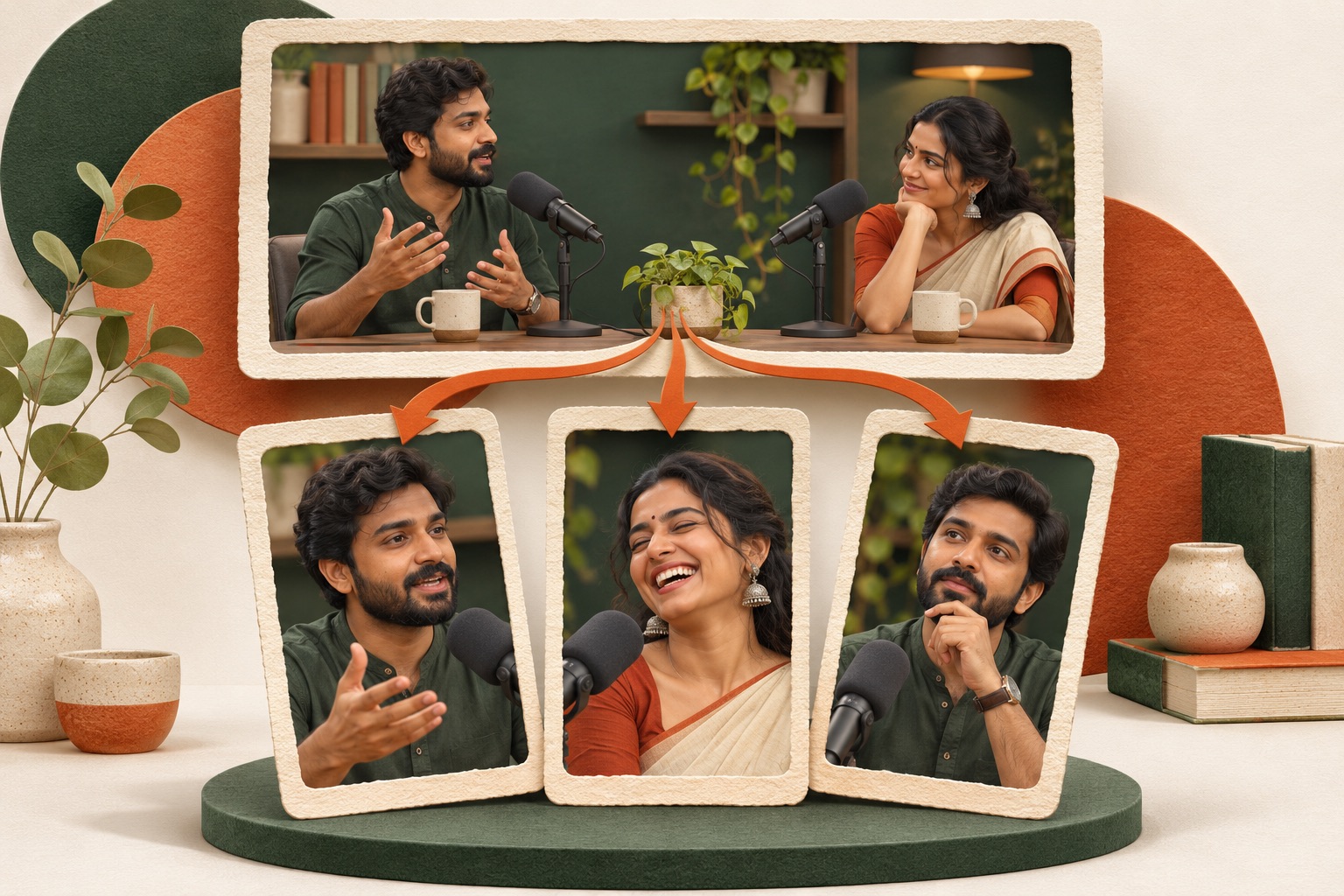
To prepare one edited video for Instagram Reels and YouTube Shorts, approve a shared master file, then review each destination’s title or post text, cover controls, audience and publishing state separately. Keep two release records. Reusing the video can save preparation work, but it does not make the destination settings, rights checks or published results interchangeable.
Approve one master before opening either composer
Keep the approved video in a named release folder with its version, duration and owner. Play the whole file and confirm that the question, answer and any important qualification survive the cut. If either destination needs a different edit, give that file its own version rather than replacing the shared master silently.
The objective is one complete idea, not simply a file that fits both upload screens. A demonstration needs to include the visible action and result. An interview answer needs enough context to identify what the person is answering. Record any claim that needs approval before anyone adds promotional wording.
Music and third-party material require destination-specific rights checks. A track available inside one platform’s editor should not be assumed to carry the same rights when downloaded and uploaded elsewhere. Resolve that before making the release packet, rather than treating successful processing as permission.
Instagram and YouTube need different release notes
For Instagram, record the intended profile, post text, selected cover treatment and audience. Use the current creation and Reel options in that account to choose the file. Review the upload preview from beginning to end and inspect optional sharing destinations before confirming anything.
For YouTube, record the intended channel, title, required audience declaration and visibility. Use its current upload flow, then review processing and any notices. The audience declaration and public/private visibility are separate decisions; one does not answer the other.
YouTube’s official Shorts classification guidance covers eligible square or vertical uploads up to three minutes, with qualifications for upload dates and channel situations. Consult the applicable section when preparing a file near that boundary. Do not copy YouTube’s requirements into an Instagram checklist as if both destinations shared one rulebook.
A filled two-destination release packet
This is a fictional planning example, not an actual upload or performance test. A teacher has a 42-second clip showing why a podcast answer needs its question. The approved master is “podcast-context-v03-approved.mp4.” It includes a vague answer, the missing question and the improved excerpt.
The Instagram post text is “An answer can sound clear until you remove its question. Here is the difference in one example.” Its cover uses a real frame with the short label “Keep the question.” The owner still needs to inspect how Instagram crops and presents that selection.
The YouTube title is “Why a podcast answer needs its question.” The description identifies the clip as an editing demonstration. The channel owner reviews the required audience declaration and decides the intended visibility using the actual content and YouTube’s guidance.
The packet has separate blank fields for the Instagram post URL and YouTube post URL. Neither gets filled from an export filename. If YouTube finishes processing first, Instagram’s state remains pending until its own result is verified.
Use this destination checklist
- Identity: Does the composer show the intended Instagram profile or YouTube channel?
- File: Is this the exact approved version, with the correct opening and ending?
- Promise: Does the post text or title describe what the video delivers?
- Cover: Does the destination preview show the intended frame or supported treatment?
- Audience: Have the settings for this destination been reviewed explicitly?
- Timing: Is the action draft, schedule or publish now? If scheduled, which time zone is shown?
- Result: Is there a verified post URL, or only a processing/scheduled state?
This is a manual release worksheet. It does not imply automatic sharing, a particular cover feature or access to every direct-publishing integration in ReelFyre.
Handle changes without losing the approved version
If one destination exposes a problem, decide whether it affects the shared file or only that destination’s text or settings. A factual error in the video requires a file revision and another review for both releases. A misspelling in one post description can be handled in that destination’s record.
Keep evidence of what actually went live. Reopen the resulting post, inspect picture and sound, and confirm the text and visibility. Where processing or review is still underway, record that state instead of declaring the release complete. Avoid uploading duplicates just because the first attempt is taking time.
Use the repurposing guide to choose a coherent passage and the phone editing guide when another export is needed. Open ReelFyre to prepare the recording, then complete each destination’s own release checks.
Questions people ask
Can I use the same video on both platforms?
You can reuse an approved file when it meets each destination’s requirements and rights conditions. Review the post settings separately.
Does selecting a cover change the video’s first frame?
Do not assume so. Inspect the cover and playback separately in the destination preview.
What should the release record contain?
The approved filename, destination identity, text, audience decision, publishing state and verified post URL when available.